Choose your session.
Pick time for focused practice or a virtual round. Check your community’s booking rules before reserving.
Work on your swing. Play a virtual round.
A little more golf, a little closer to home.
Welcome to your Alder House golf room.
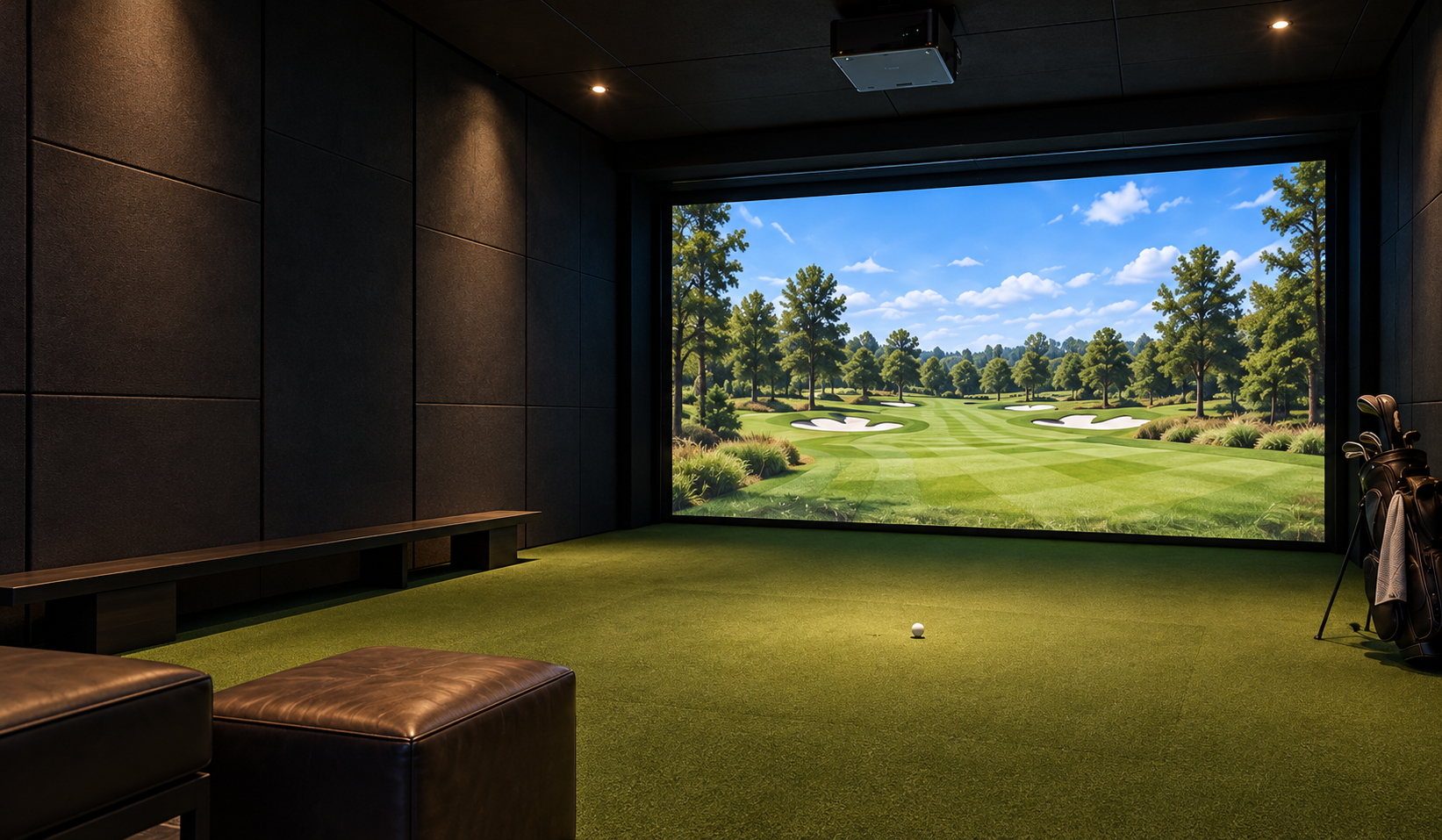
Practice. Play. Come back tomorrow.
Practice your wayMake space for a focused session.
Play a little closerA virtual round without the drive.
Start at your paceGet familiar with the room before you play.
You don’t need to have it all figured out before your first visit. Here’s a simple way to get started.
Pick time for focused practice or a virtual round. Check your community’s booking rules before reserving.
Review the room guide and equipment instructions. Ask your property team about an introduction if you need one.
Keep the hitting area clear, get comfortable with the setup, and enjoy your session.

The room details, community policies, and help you need, together in one place.
In this sample community, the golf room is on the amenity level beside the fitness room. A live community page would show the confirmed location and directions.
Check your resident portal for your community’s access instructions. This preview does not issue door codes, keys, or building access.
Bring your clubs and clean footwear. Check with your property team before your first visit to confirm whether clubs or other equipment are provided.
Guest access and capacity depend on your community’s rules. In a live resident portal, you would find those policies before confirming a session.
Your property team would be the starting point for access questions. Your community’s confirmed equipment support details would also appear here.
Your next session starts here.